mirror of
https://github.com/github/awesome-copilot.git
synced 2026-02-20 02:15:12 +00:00

72 lines
3.7 KiB
Markdown
72 lines
3.7 KiB
Markdown
# Organizing information with tables
|
|
|
|
You can build tables to organize information in comments, issues, pull requests, and wikis.
|
|
|
|
## Creating a table
|
|
|
|
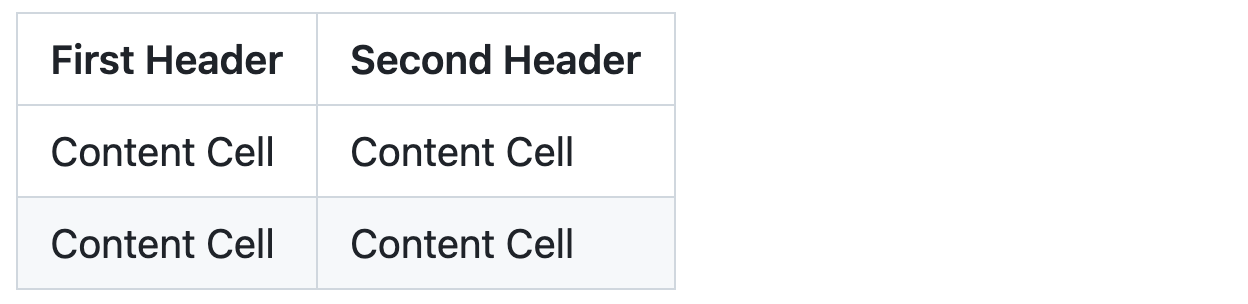
You can create tables with pipes `|` and hyphens `-`. Hyphens are used to create each column's header, while pipes separate each column. You must include a blank line before your table in order for it to correctly render.
|
|
|
|
```markdown
|
|
|
|
| First Header | Second Header |
|
|
| ------------- | ------------- |
|
|
| Content Cell | Content Cell |
|
|
| Content Cell | Content Cell |
|
|
```
|
|
|
|
|
|
|
|
The pipes on either end of the table are optional.
|
|
|
|
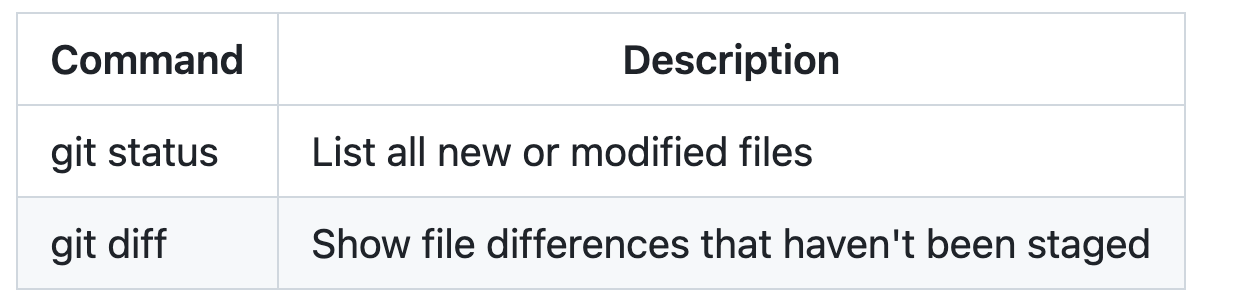
Cells can vary in width and do not need to be perfectly aligned within columns. There must be at least three hyphens in each column of the header row.
|
|
|
|
```markdown
|
|
| Command | Description |
|
|
| --- | --- |
|
|
| git status | List all new or modified files |
|
|
| git diff | Show file differences that haven't been staged |
|
|
```
|
|
|
|
|
|
|
|
If you are frequently editing code snippets and tables, you may benefit from enabling a fixed-width font in all comment fields on GitHub. For more information, see [About writing and formatting on GitHub](https://docs.github.com/get-started/writing-on-github/getting-started-with-writing-and-formatting-on-github/about-writing-and-formatting-on-github#enabling-fixed-width-fonts-in-the-editor).
|
|
|
|
## Formatting content within your table
|
|
|
|
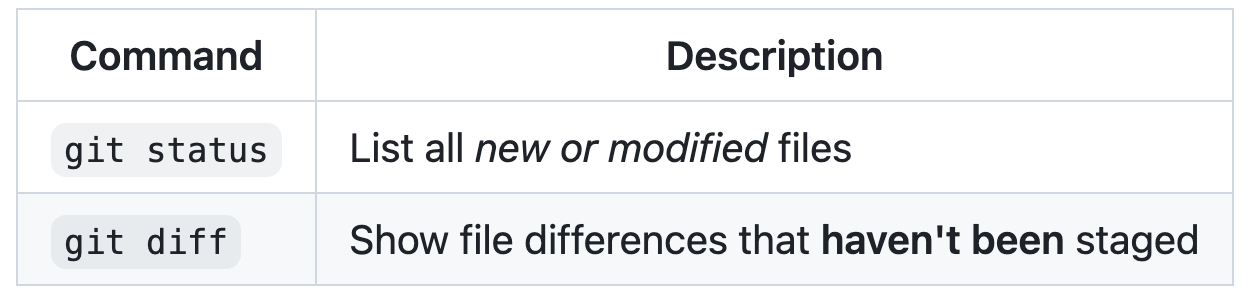
You can use [formatting](https://docs.github.com/get-started/writing-on-github/getting-started-with-writing-and-formatting-on-github/basic-writing-and-formatting-syntax) such as links, inline code blocks, and text styling within your table:
|
|
|
|
```markdown
|
|
| Command | Description |
|
|
| --- | --- |
|
|
| `git status` | List all *new or modified* files |
|
|
| `git diff` | Show file differences that **haven't been** staged |
|
|
```
|
|
|
|
|
|
|
|
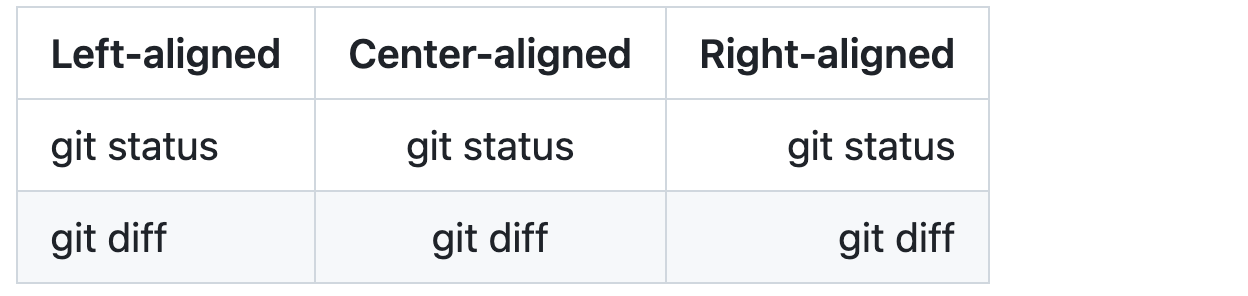
You can align text to the left, right, or center of a column by including colons `:` to the left, right, or on both sides of the hyphens within the header row.
|
|
|
|
```markdown
|
|
| Left-aligned | Center-aligned | Right-aligned |
|
|
| :--- | :---: | ---: |
|
|
| git status | git status | git status |
|
|
| git diff | git diff | git diff |
|
|
```
|
|
|
|
|
|
|
|
To include a pipe `|` as content within your cell, use a `\` before the pipe:
|
|
|
|
```markdown
|
|
| Name | Character |
|
|
| --- | --- |
|
|
| Backtick | ` |
|
|
| Pipe | \| |
|
|
```
|
|
|
|

|
|
|
|
## Further reading
|
|
|
|
* [GitHub Flavored Markdown Spec](https://github.github.com/gfm/)
|
|
* [Basic writing and formatting syntax](https://docs.github.com/get-started/writing-on-github/getting-started-with-writing-and-formatting-on-github/basic-writing-and-formatting-syntax) |